What is Ubuntu Pro?
Ubuntu Pro is a subscription service from Canonical, the company behind Ubuntu. It's designed for running Ubuntu in production and adds several features on top of the standard release:
- Extended Security Maintenance (ESM): security updates and patches for up to 10 years, much longer than the standard support period.
- Livepatch: critical kernel patches are applied without rebooting, which keeps downtime to a minimum. Especially useful for servers where uptime matters.
- Expanded security coverage: security updates for a wider set of applications and packages, including ones outside the main Ubuntu repository.
Livepatch is the most interesting part for a node operator: it installs kernel updates without having to reboot your system afterwards.
Activate it on your node
- Create an Ubuntu One account if you don't have one yet: login.ubuntu.com
- Log in on ubuntu.com and subscribe to Ubuntu Pro: ubuntu.com/pro/subscribe
-
Select Myself and click Register.
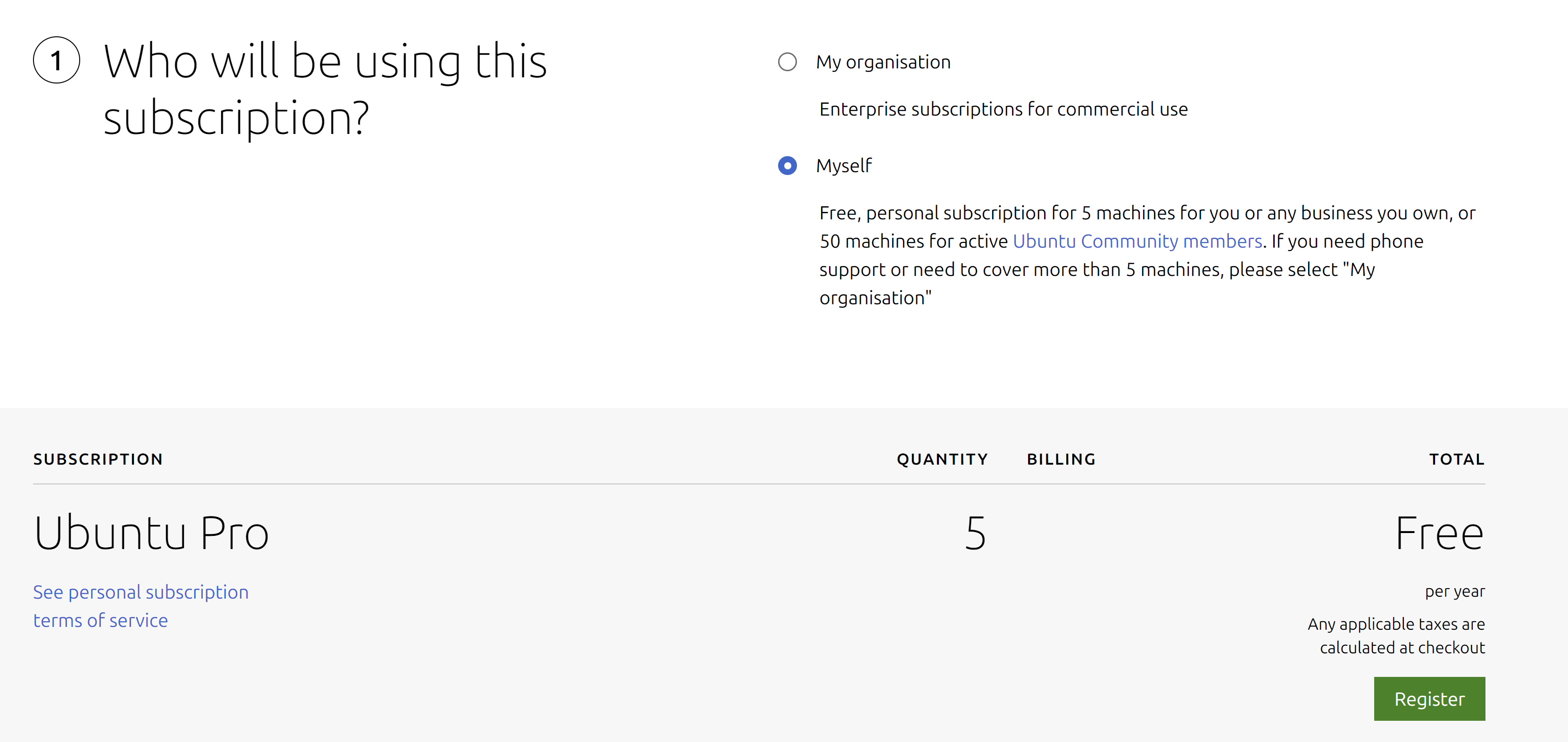
- Once registered, you're taken to the dashboard, where you'll find your personal token: ubuntu.com/pro/dashboard
-
Connect to your node and activate the service with the token from the previous step (replace XXXXXXXXX with your actual token):
sudo pro attach XXXXXXXXX -
You should see output like this:
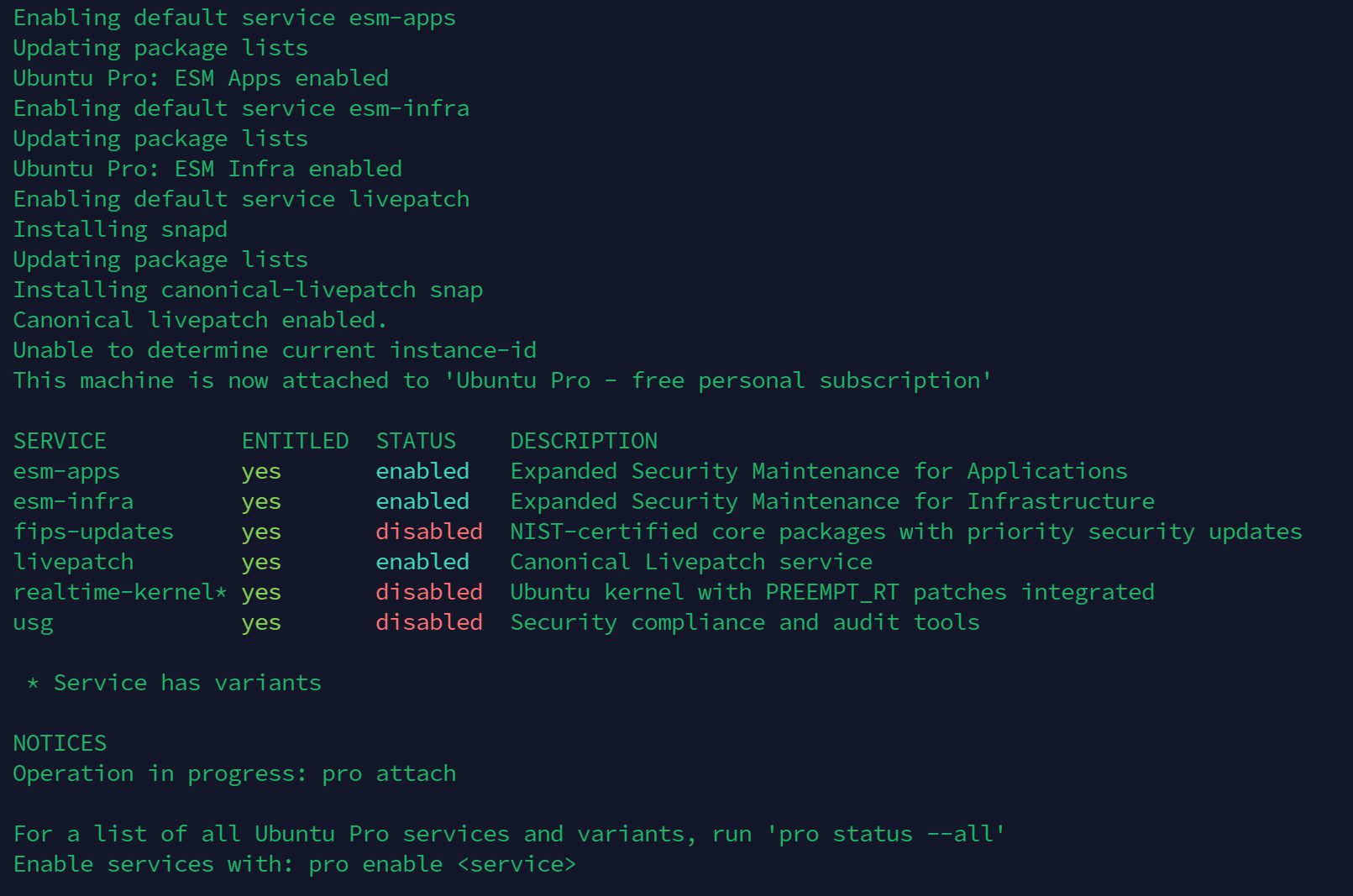
-
Run the update command to make sure your system is up to date:
sudo apt -y update && sudo apt -y upgrade - That's it! Ubuntu Pro is now active, including Livepatch, so kernel updates no longer need a reboot.
You still need to install security updates regularly yourself. Livepatch only covers kernel updates. The procedure is described in Installing security updates.